

// guide
What can you cut from a web page before your LLM stops understanding it? Six formats measured in Python
We turned 10 web pages into six LLM context formats, from raw HTML and Markdown to accessibility trees and screenshots, and measured token cost, read accuracy, and act accuracy. Fewer tokens rarely meant better answers.
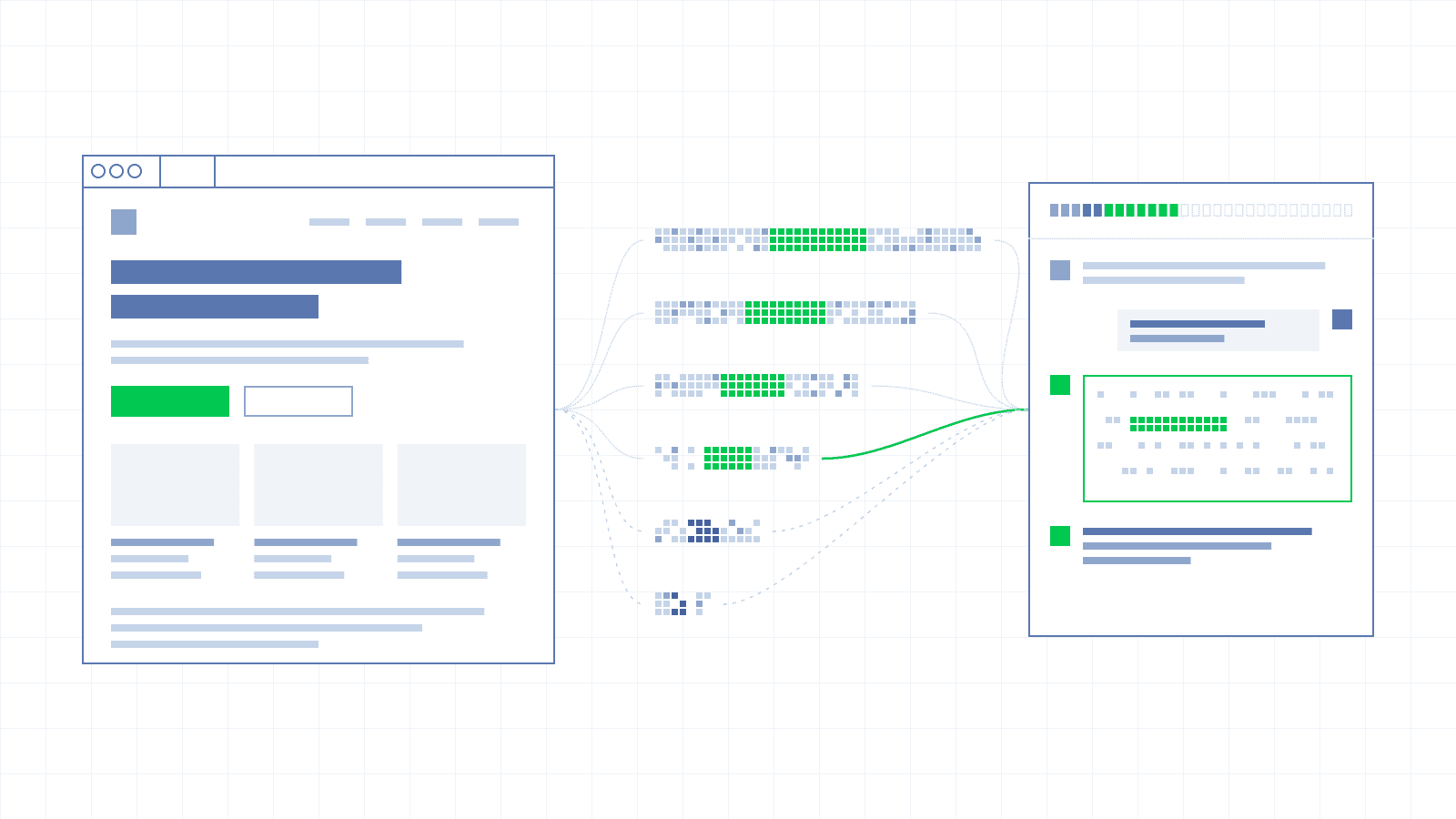
LLMs' data cutoff makes feeding them with web data a must-have. While hosted LLM APIs offer native web-search and web-fetch tools, they offer limited control and interactivity, leading us to resort to controlling a browser.
The issue is that LLMs have a limited context window that can easily be bloated with tool results. The real questions become: how to feed a web page to your LLM? Is raw HTML too much? Is extracted visible text as markdown not enough?
Turns out the answer is not binary: “it depends” (spoiler: accuracy doesn't track token count). In this article, we'll use Python to benchmark 6 different approaches to “represent” a web page to an LLM. So if you like numbers and code, welcome.
Six approaches to converting a page to LLM context#
The simplest way to read a page is to simply get the full HTML of a page and feed it to the LLM using page.content(). This comes with an issue, as over the years, webpages became heavier and heavier, filled with “ghost” <div> used by front-end framework to create rich user experiences but meaningless for semantics.
The logical next step is to only extract the text visible on screen and convert it to markdown. However, only extracting the visible text removes all their semantics (ex: UI action).
This is when more advanced approaches come into play, all looking to prune the DOM/HTML to only keep its meaningful semantic parts:
- Accessibility tree, describing the purpose each meaningful HTML element using ARIA attributes is a common approach used by popular frameworks like Playwright.
- Another approach used a Indexed interactive DOM, which filters interactive DOM elements and sort them by importance, an approach developed by the Browser Use library.
- Stagehand uses a combination of the 2 former, producing a pruned DOM merged with the accessibility tree.
Finally, frontier models power their computer use capabilities by using page screenshots, feeding the LLM with images of the web page.
All the above 6 formats gives us the following list to benchmark:
| Format | What it is | How to produce it in Python | What the model gets |
|---|---|---|---|
| Raw HTML | The full page markup, as rendered | page.content() | Every tag, attribute, script, and style |
| Markdown | The page converted to Markdown | markdownify on page.content() | Headings, text, links, and tables, without markup |
| Accessibility tree | The browser's accessibility view of the page | page.locator("body").aria_snapshot() | Elements by role, name, and state (button, link, textbox) |
| Indexed interactive DOM | A filtered DOM with numbered interactive elements, as used by Browser Use | Browser Use's DOM serializer | Clickable and fillable elements with indices to target them by |
| Pruned DOM + accessibility tree | A pruned DOM merged with the accessibility tree, as used by Stagehand | Stagehand's page snapshot | Page structure and interactive elements with references to target them by |
| Screenshot | An image of the visible viewport | page.screenshot() | Pixels of what a user sees above the fold |
Let's now look at the methodology used to evaluated these 6 web page to LLM context formats.
Benchmarking the 6 web pages representation formats#
Our 6 web pages representation formats are benchmarked against 10 web pages across 10 websites (books.toscrape.com, saucedemo.com, and local ones) representing common web tasks with different level of difficulties (forms, dashboards, an embedded iframe with a closed shadow root).
Here's the details of the 3 online web sites used during the benchmarks:
| Page | Source | Why it's included |
|---|---|---|
| books_listing | books.toscrape.com | A real e-commerce grid: many repeated product cards, prices, links, and ratings. Tests how formats scale with repetition on a typical listing page. |
| books_product | books.toscrape.com | A real product detail page. Tests reading specific facts (price, stock, review count) from a dense page, including information stored only in CSS classes, like the star rating. |
| saucedemo_login | saucedemo.com | A real, minimal login form. Tests whether a format exposes input fields that rely on placeholders rather than visible labels. |
The remaining 7 local web pages were built using the following fixtures:
| Page | Real-world pattern it models | What it tests |
|---|---|---|
| article | Blog posts, news, documentation prose | The baseline: mostly text, few interactive elements. The page type where Markdown should do well. |
| docs | Documentation sites with navigation, version selectors, and collapsible sections | Navigation-heavy pages, <select> dropdowns (version picker), <details>/<summary> elements |
| form | Sign-up, checkout, and settings forms | Form state: selected options, pre-filled values, inputs without visible labels. The things a user sees but plain text formats drop. |
| dashboard | SaaS admin panels and analytics UIs | Mixed content: filters, selected states, and an inline SVG chart with text inside it. |
| serp | Search results and any paginated list | Result snippets, pagination links ("2", "3"...), and a <summary> element. Pagination is one of the most common agent actions. |
| embed | Embedded checkouts, payment forms, support widgets, cookie banners, web components | Same-origin and cross-site iframes plus a closed shadow root. These are common on production sites (Stripe-style payment fields, chat widgets, design-system components) and invisible to standard formats. |
| table | Data tables, reports, admin lists, spreadsheet-like views | 500 rows. Tests how each format scales on data-heavy pages, where token cost can grow faster than expected. |
Our 6 representations are evaluated on 3 criteria: the size of the representation (in tokens), its read accuracy (how well the provided LLM representation describes the page) and its act accuracy (how well the model performed a given action with the given LLM representation).
The benchmark was run using one model (claude-sonnet-5) with 3 repeats and deterministic scoring, totaling for 1,440 calls (about $21.59).
Let's dig into the results, shall we?
How many tokens each representation outputs#
First, let's look at the median number of tokens generated by each representation:
| Page | Raw HTML | Markdown | A11y tree | Browser Use | Stagehand | Screenshot |
|---|---|---|---|---|---|---|
| saucedemo_login | 1,091 | 107 | 134 | 192 | 403 | 1,337 |
| form | 3,109 | 475 | 1,140 | 1,393 | 2,401 | 1,337 |
| books_listing | 15,118 | 4,902 | 6,527 | 4,148 | 7,416 | 1,337 |
| table | 52,977 | 30,087 | 79,719 | 73,271 | 76,702 | 1,337 |
Note: counts are from Anthropic's tokenizer; o200k counts run 17 to 34% lower.
For most scenarios, using markdown or an accessibility tree produces the smaller output representation of the medium-sized web page. The only exception is the 500 rows tables were markdown dominates (markdown has an efficient native way to represent tables).
On the other hand, the longer a page gets, the most efficient it is to just use a screenshot.
This gives us a great picture of how much tokens each representation cost but not how efficient they are at helping an LLM to understand a web page.
The twist: accuracy doesn't follow tokens#
That's the spoiler, reducing the number of tokens to represent a web page comes at a cost.
The table below shows how much reducing tokens reduces the overall LLM accuracy to understand and act on a web page:
| Format | READ | ACT | Tokens per correct answer (excl. table) |
|---|---|---|---|
| Raw HTML | 92% | 79% | 5,094 |
| Markdown | 80% | 70% | 1,992 |
| Accessibility tree | 88% | 83% | 2,708 |
| Indexed interactive DOM (Browser Use) | 86% | 97% | 1,965 |
| Pruned DOM + accessibility tree (Stagehand) | 96% | 97% | 3,196 |
| Screenshot | 72% | 73% | 1,992 |
Without surprise, providing raw HTML helps the LLM to understands a page, scoring a 92% on READ, however it makes it hard to act on it.
Interestingly, Stagehand's hybrid approach of pruning the DOM and merge it with the accessibility tree yields the higher accuracy scores on both READ and ACT, at the cost of a 1.5x higher token cost than a markdown representation.
Let's dig into the flaws of each representation:
- Markdown loses state: It loses form state (selected options, pre-filled values) and inputs that have no visible label. It scores 6/24 on attribute-only tasks and 0/9 on the saucedemo login inputs.
- Screenshots lose everything below the fold: 3/39 below the fold, 0/27 far below it, and 129/129 above the fold.
- The accessibility tree loses iframes and closed shadow roots: Raw HTML, Markdown and the default
aria_snapshot()can't see either iframe or the closed shadow root. They score 0/21 on those calls. - Indexed interactive DOM (Browser Use) loses single-character text and selected state: The serializer drops text nodes of one character or less, so the pagination links "2" to "9" appear as empty
<a />elements. And it lists<select>options without marking the selected one (3 READ tasks missed). - Pruned DOM + accessibility tree (Stagehand) costs more tokens: No coverage failure, but 1.58x to 2.45x Browser Use's tokens per page (median 1.74x), and more than the accessibility tree on 9 of 10 pages.
The answer is “it depends”#
There is no single-answer to our question “What can you cut from a web page before your LLM stops understanding it?”, but instead, a set of rule of thumbs depending on your use case.
If your Python program is primarily acting on web pages, don't rely on simple representation like raw HTML, markdown or screenshot. Instead use library like Stagehand that scores well on both reading and acting on the page (because to act on a web page, you need to first understand well).
If you're interested in quickly extracting data from short to medium pages, markdown, accessibility tree and screenshots are solid approaches.
If you're looking to accurately extract data, consider using raw HTML or libraries like Stagehand that offers the best read accuracy.
Conclusion#
The formats that saved the most tokens were not the ones that answered the most tasks correctly, because each one leaves out something different: form state, content below the fold, embedded widgets, or rows of a long table. Results on your own pages will depend on what your tasks need. The benchmark, fixtures, tasks, and raw logs are all in the public GitHub repository, and you can rerun it on your own pages and model with a single command.